Precision Rifle
PRS Assist
Wind · Brackets · Match Day
Live wind, wind brackets for every target, your stage timer and your matchbook — on your iPhone and on your wrist.
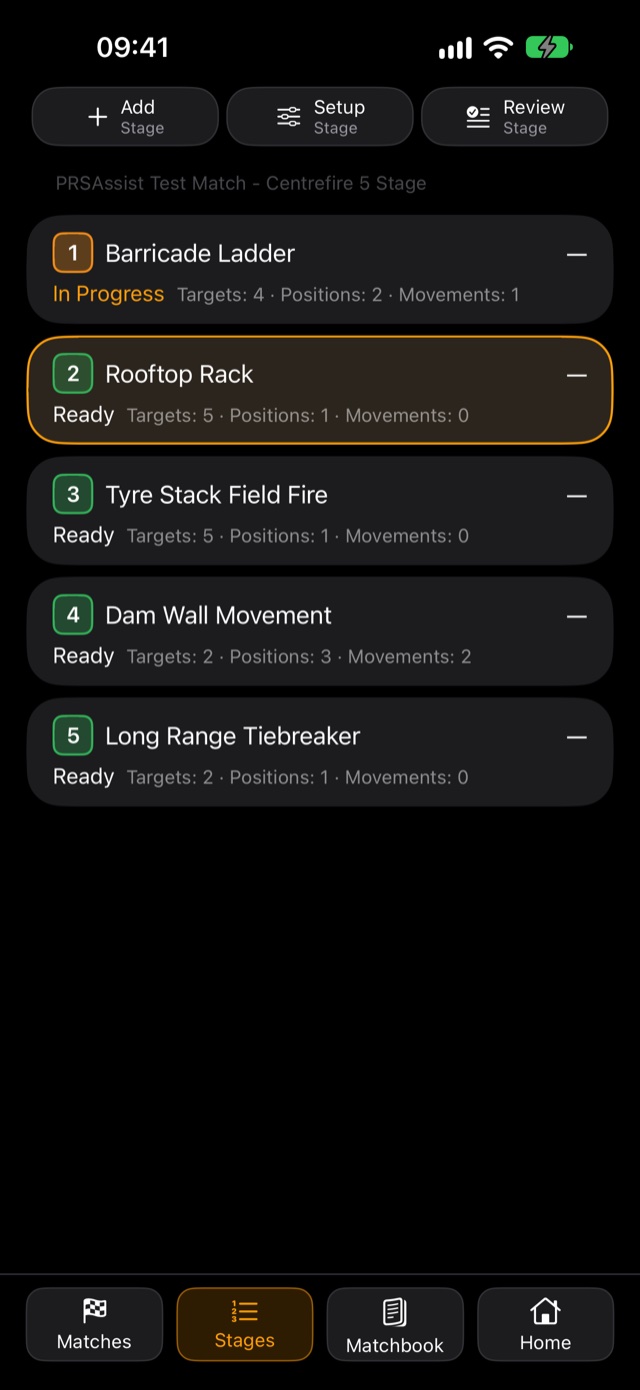
Live wind, wind brackets for every target, your stage timer and your matchbook — on your iPhone and on your wrist.
Live wind and a hold for every target, the matchbook read for you, the stage timer, the Apple Watch and your squad.
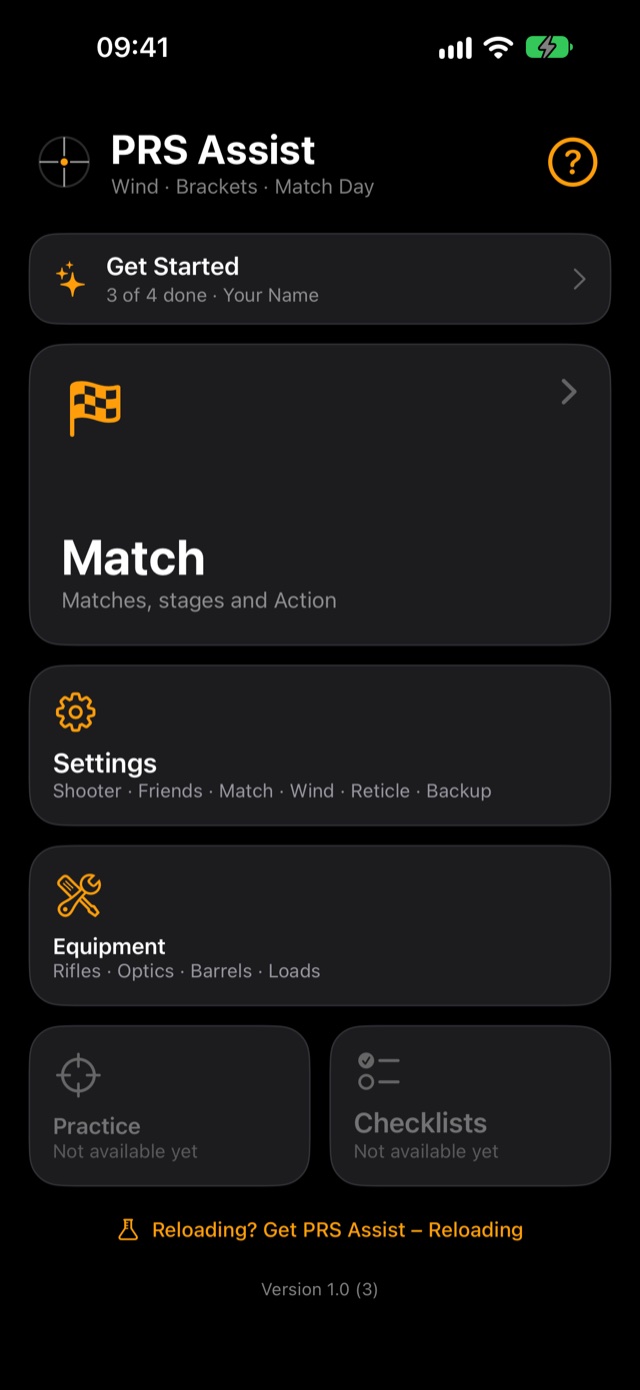
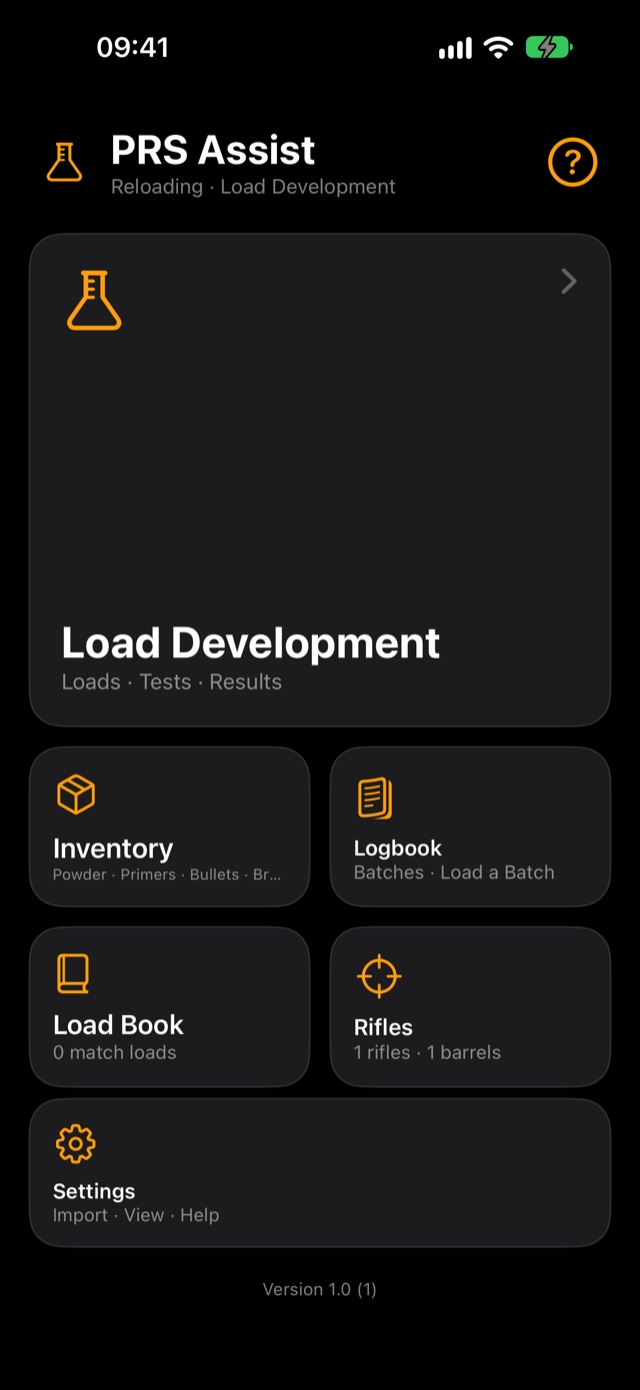
The same home screen you'll see in the app: Match first, everything else one tap away.
Matches, stages and Action
Calypso · Manual · Shared · Min, Avg, Max
Phone · Watch · Haptics
Import · Stages · Metres
Rifles · Optics · Barrels · Loads
Its own app: PRS Assist Reloading
Hourly wind · Gusts · Rain · Cloud
Holds · Elevation · Wind
Coming soon
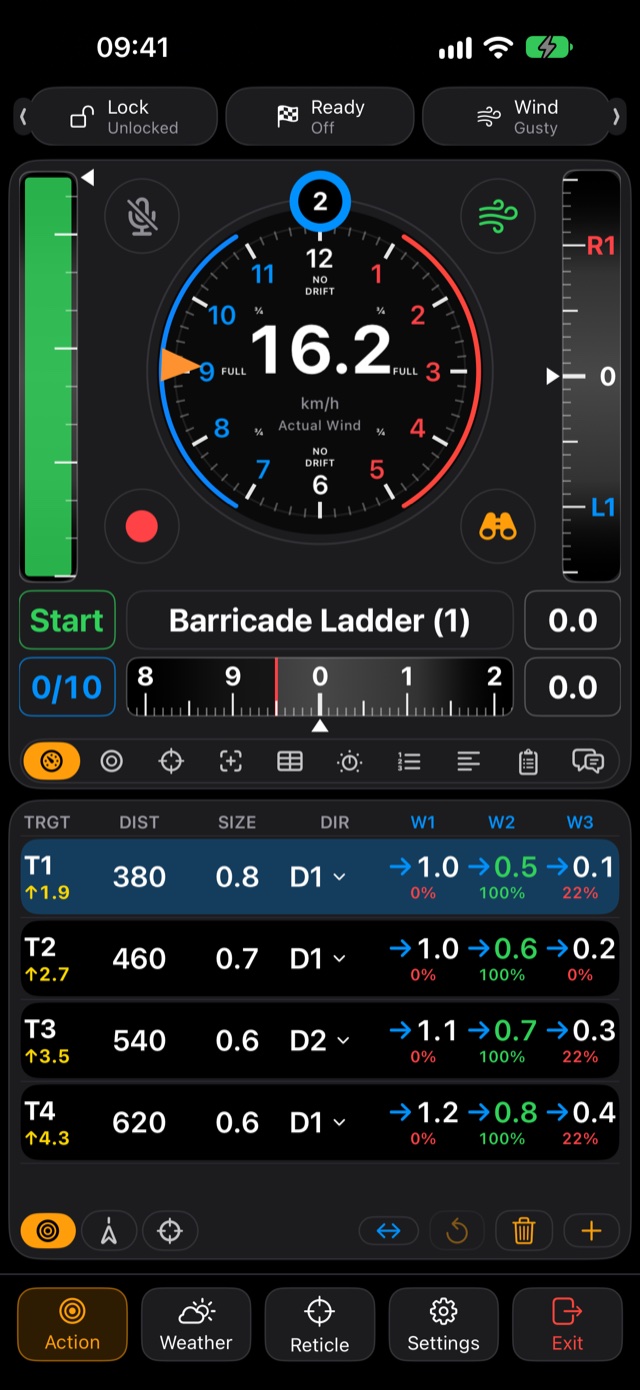
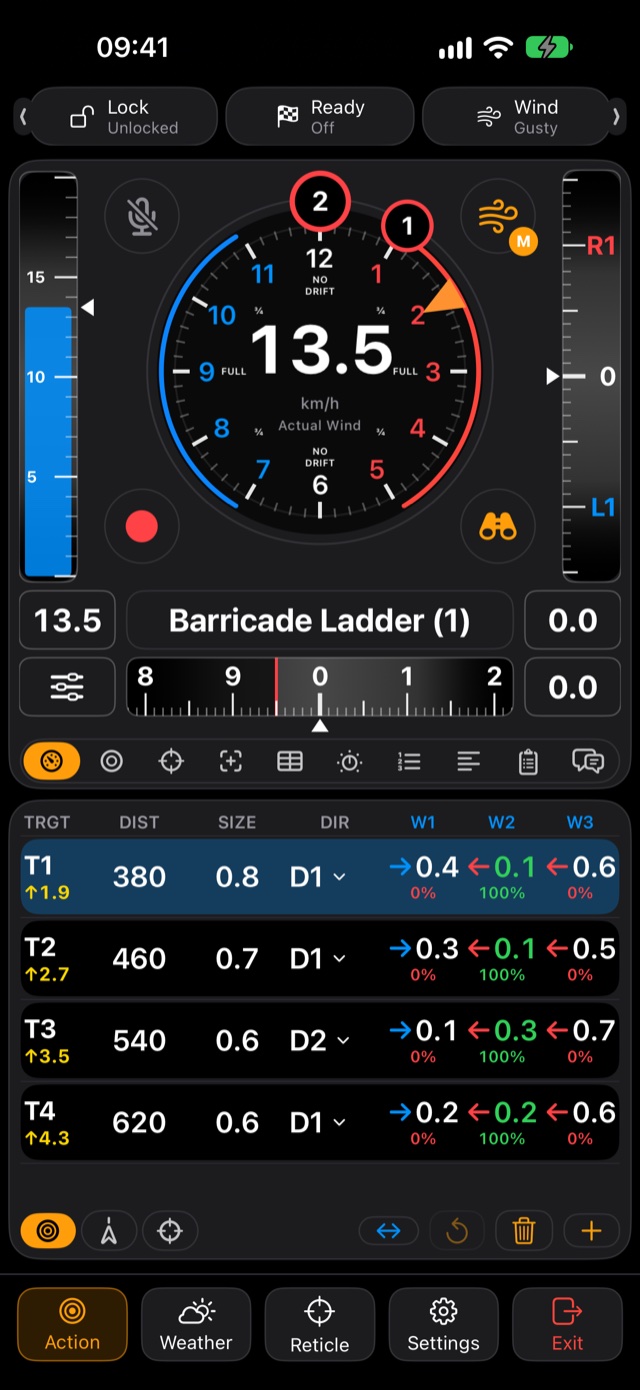
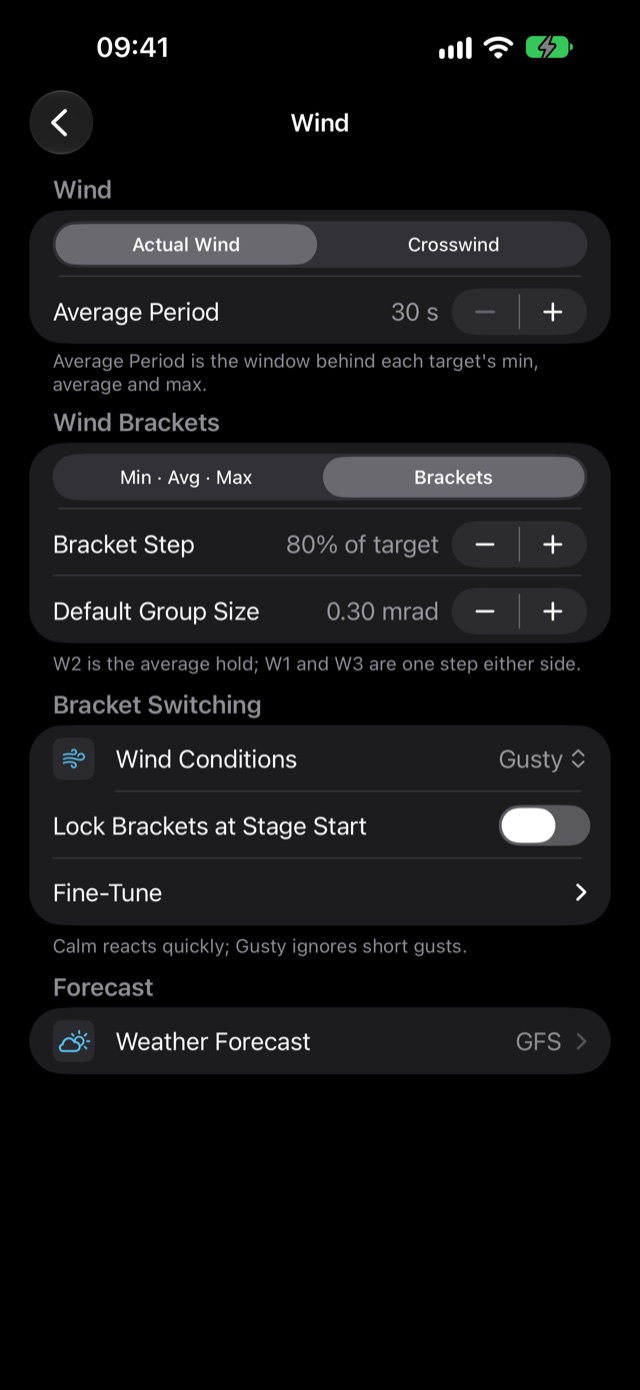
W2 is your average hold; W1 and W3 are one step either side. Red is wind from the right, blue is wind from the left — the same on your phone, your watch and your reticle.
The wind button, top right of the dial on Action, decides where your wind comes from. Each tap goes Calypso, Manual Wind, Simulated, and back to Calypso.
Settings look and feel like your iPhone's own — no learning curve, just the options a shooter needs.
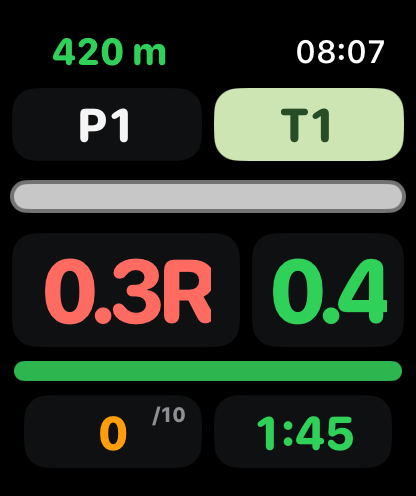
Position, target, wind hold, elevation, round count and stage time — readable at a glance, without reaching for your phone.
Share tips, props and positions with your team in real time. Something most shooting apps don't do.
Wind calls · Holds · Notes
Who's where on the range
Barricades · Positions
Only one of you has a meter? That phone chooses Share My Calypso; the others choose Use Shared Calypso. The phones talk directly, so it works at the range with no signal, and each phone works out its own holds for its own rifle.
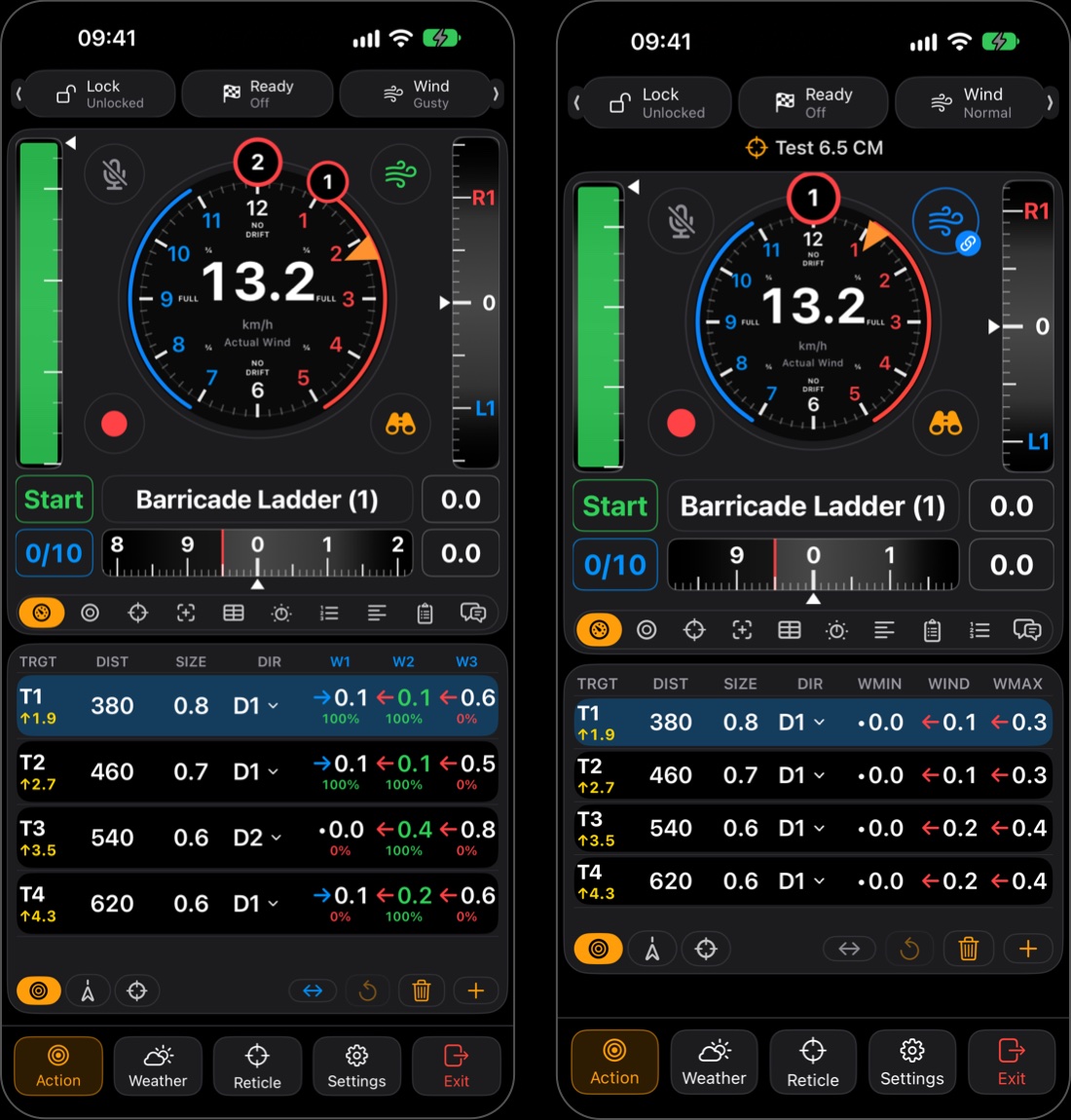
Manual Wind is shared too (an orange M on the blue button). Simulated wind never is. Walk out of range and back, and the phone rejoins by itself.
Load development, inventory and your reloading logbook now live in PRS Assist Reloading, so PRS Assist stays focused on match day. Your loads still show in PRS Assist under Equipment.
Short, narrated videos for every part of PRS Assist, from setting up to the Apple Watch. Watch them one at a time, or all in one go.
18 minutes, start to finish. Each video plays straight into the next.
Video 1 · Setting Up
2:26
1:45
2:33
1:49
1:17
1:29
1:26
1:11
1:05
1:13
1:50
An affordable, locally made Bluetooth wind meter that mounts on your tripod beside your binoculars and pairs straight into PRS Assist. Speed and direction, without the big price tag.
We're looking for PRS, NRL22 and rimfire shooters to test PRS Assist at real matches. Register and we'll be in touch when the next beta round opens.
An idea, a bug, a question about a video, or something you'd like PRS Assist to do at your next match. Your message comes straight to us; it isn't posted on the site.
iPhone and Apple Watch, including Apple Watch Ultra. Garmin watch support is in development.
No. Tap the wind button on Action for Manual Wind (the orange M): drag the speed and where the wind is coming from, and your brackets follow. A Calypso adds live speed and direction, and one Calypso can be shared with the whole squad.
Into its own app, PRS Assist Reloading. In PRS Assist use Settings › Backup › Export Reloading Data, then choose Import in the new app. Your loads stay in PRS Assist under Equipment › Loads.
Yes. Matchbooks and distances are in metres, and wind shows in m/s, km/h or mph.
PRS Assist is in testing now. Join the beta list to be first to know when it launches.
PRS Assist is built in Centurion, South Africa, by a competitive PRS and rimfire shooter who wanted one tool for everything he needs on match day.